See the AI agents that shop your store.
Shopping agents already visit online stores, and normal analytics can't see them. mandate0 records who came, what they asked for, and what you didn't have.
Works on the WooCommerce store you already have. Nothing to rebuild, and it starts on test money.
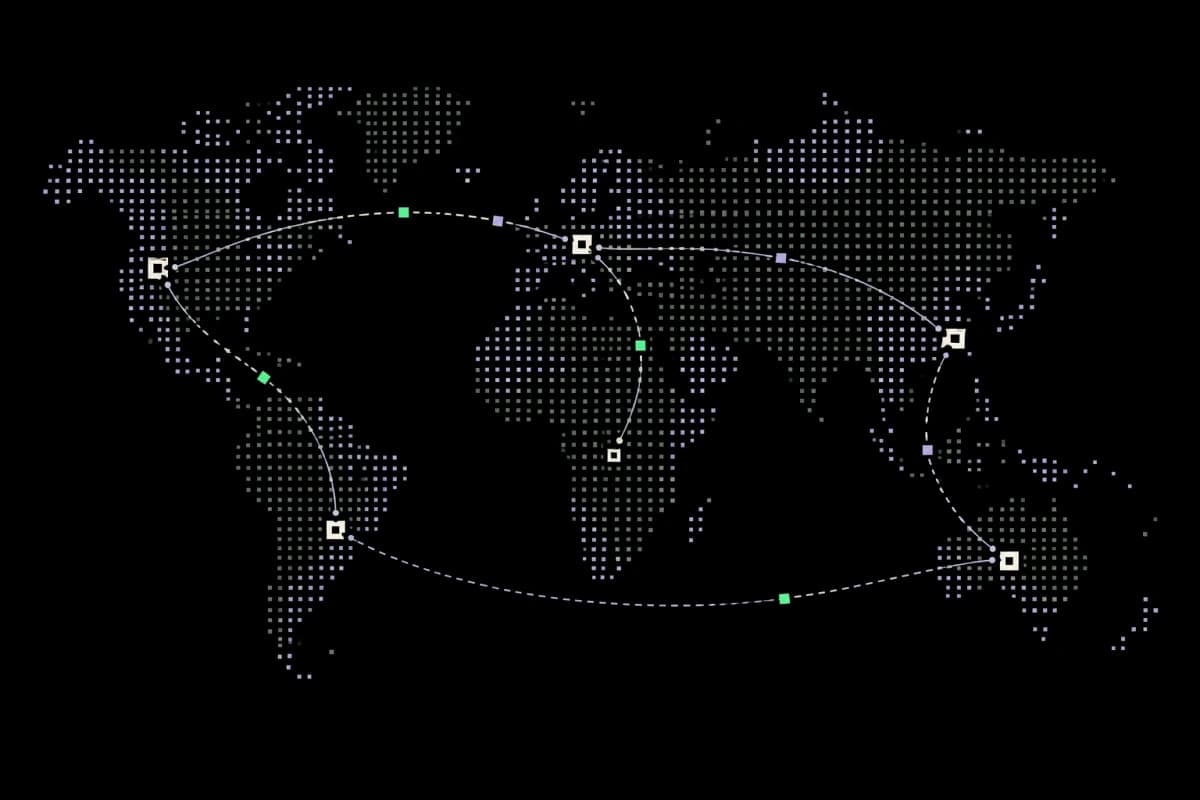
Agent requests arriving, checked, and fanned out to listed stores
Your analytics counts people. Agents aren't people.
Analytics tools don't see agent crawlers at all, and count the rest as visitors who bounced.

Let agents search, check stock, and start a purchase.
When an agent can search your catalog, confirm price and stock, and start a checkout within the buyer's limits, its visit can become a sale.
The same connection records who came, what they asked for, and which products you didn't have. A normal analytics report can't show you that.
The visit is invisible
It never shows up in the report you use to decide what to stock.
The miss is invisible too
An agent asked for something you don't carry, and you never learn it asked.
The order goes elsewhere
Agents buy from stores where they can check stock and pay. Right now that isn't yours.
Your agent traffic as reports, not a log file.
The plugin is free. The paid part is the reports: when agents came, what they wanted, and what to stock because of it.
Agents are identified by the name they declare in their request headers. Declared names can be faked, and we haven't yet confirmed every provider against live traffic. These reports are built from visit records the plugin sends to mandate0.
What the reports show →Set up in three steps. The first takes an afternoon.
Install the plugin
Your storefront doesn't change. Recording starts immediately.
Read what they asked for
Every visit, and the searches your catalog couldn't answer, ranked.
List your products where agents buy
Agents can search and buy. Test money until you switch it live.
Building an agent instead? It's one config block — see the setup.
Know when agents came, and what they couldn't find.
See agent visits and the searches that came back empty, then check them against your inventory.
Imagine every
100 requests.
- 46%User-initiated assistant
- 27%Search crawler
- 15%Other agent
- 12%Unidentified bot
Each dot ≈ 1% of the same 276 example requests. Pulsing illustrates activity—not a live feed. Shares rounded to 100 dots; request signatures are not verified identities.
Unanswered searches.
A place to start.
Gaiters in size L account for 17 of these 43 requests. Check the inventory gap before guessing what to stock.
- Gaiters · size L17 requests
- Wool base layer · XL11 requests
- Rain pants · petite9 requests
- Crampon-compatible boot6 requests
One filled dot = one unanswered request. These are example search signals—not unique buyers, confirmed demand, or lost sales.
What changes when you can see agent traffic.
Agents keep arriving, and keep going unrecorded.
You keep making stocking and pricing decisions from a report with a hole in it. Agents ask for things you don't carry, get answers from somewhere else, and you never find out.
You know who shops you, what they wanted, and what you didn't have.
You stock against real demand instead of guesses, and when an agent looks for something you do carry, your product is in the results it can buy from.
Build shopping agents and agent experiences that can buy.
For shopping agents, or any agent experience that needs to check out. One endpoint, three tools, no SDK, and the buyer's spending limit is enforced for you.
claude mcp add --transport http agents-authority \
  https://platform.agentsauthority.ai/api/mcp

# then /mcp → Authenticate
→ connected · test money
[mcp_servers.agents_authority]
url = "https://platform.agentsauthority.ai/api/mcp"

# browser opens on first use
→ connected · test money
- 01
Search
aa_search_productsSearches every listed catalog at once and returns what is in stock, with the store each result came from.
querycategoryminPricemaxPricelimitRuleOnly in-stock products appear in the result.
- 02
Hold
aa_create_checkoutHolds a purchase against the buyer's wallet.
productIdquantitywalletIdRulePrice and stock are checked again, so a stale search result can't become a wrong charge.
- 03
Complete
aa_complete_checkoutCompletes the purchase.
checkoutIdRuleRefused if it would break the buyer's per-order cap or daily limit.
Every new connection spends test money until you deliberately switch it to live.
Your agent finds the product. Let it check out too.
Connect it once and it can check out for you, up to the limits you set.
A limit for the order.
A limit for the day.
Both have to hold. A small order can still be refused if it would push the day over its cap.
Caps shown, not money spent or available balance. Other purchase policies still apply. No live funds are represented.
You set the ceiling
A cap per order and per day. Over it, the agent is refused.
It starts on test money
Sandbox money until you deliberately switch it. Never a default you discover later.
Every purchase is on the record
What it searched, chose, paid, and which store it came from.
Early access: the listed catalog is small and growing. Expect a handful of stores, not a mall.
mandate0 is built by Agents Authority.
Agents Authority builds the trust layer for commerce done by AI agents. mandate0 is the product: stores get found and see their agent traffic, agents get a way to buy, and both sides keep a record.
Agents are becoming buyers. Store owners should be able to see them, set the rules, and sell to them.
Get early access to mandate0.
Open to store owners first. If you build shopping agents or want your own agent to be able to buy, add your email too.